
West Kootenay LIP
Creating a welcoming digital presence for newcomers and the organizations that support them.
- Landscape research, Stakeholder research, UX strategy, UI design, WordPress development
- 10+
The challenge
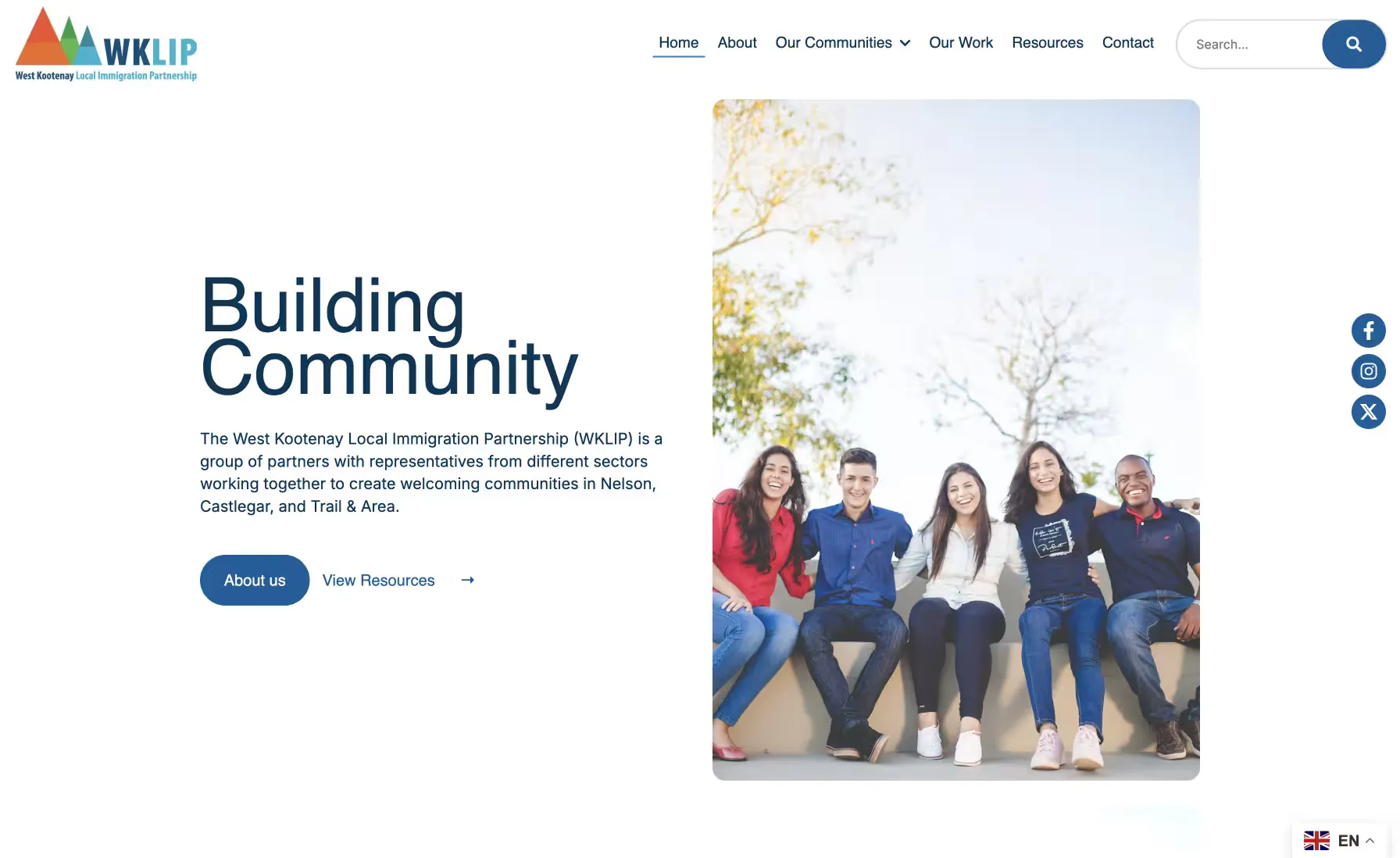
The West Kootenay Local Immigration Partnership (WKLIP) is a coalition of organizations working together to create more welcoming communities for newcomers across Nelson, Castlegar, Trail and the surrounding area.
As a newly established nonprofit, WKLIP needed more than a website. It needed a clear digital presence that could explain who the organization was, communicate its role within the local community, and make its resources and programs easier to discover.
The challenge was to create an experience that felt welcoming and approachable to newcomers while communicating the credibility needed to work with community organizations, service providers and other stakeholders.
Research: learning from 200+ partnerships
There are more than 200 Local Immigration Partnerships (LIPs) across Canada, which gave us a broad set of existing organizations to learn from.
WKLIP shared three websites they admired as a starting point. We expanded on that by reviewing more than ten LIP websites to understand how organizations in the same space approached navigation, content hierarchy, accessibility and communication.
We looked for patterns in questions such as:
- How do LIPs explain what they do to someone encountering the organization for the first time?
- How are resources and services organized?
- What information needs to be immediately accessible?
- How can a government- or nonprofit-adjacent organization feel welcoming rather than institutional?
- Which accessibility and usability patterns could carry into the new site?
The research gave us a clear picture of the category, and showed an opportunity for WKLIP to establish its own identity within it.
Stakeholder research: aligning the organization around the website
Because WKLIP was newly established, the website also had to help clarify the organization’s role.
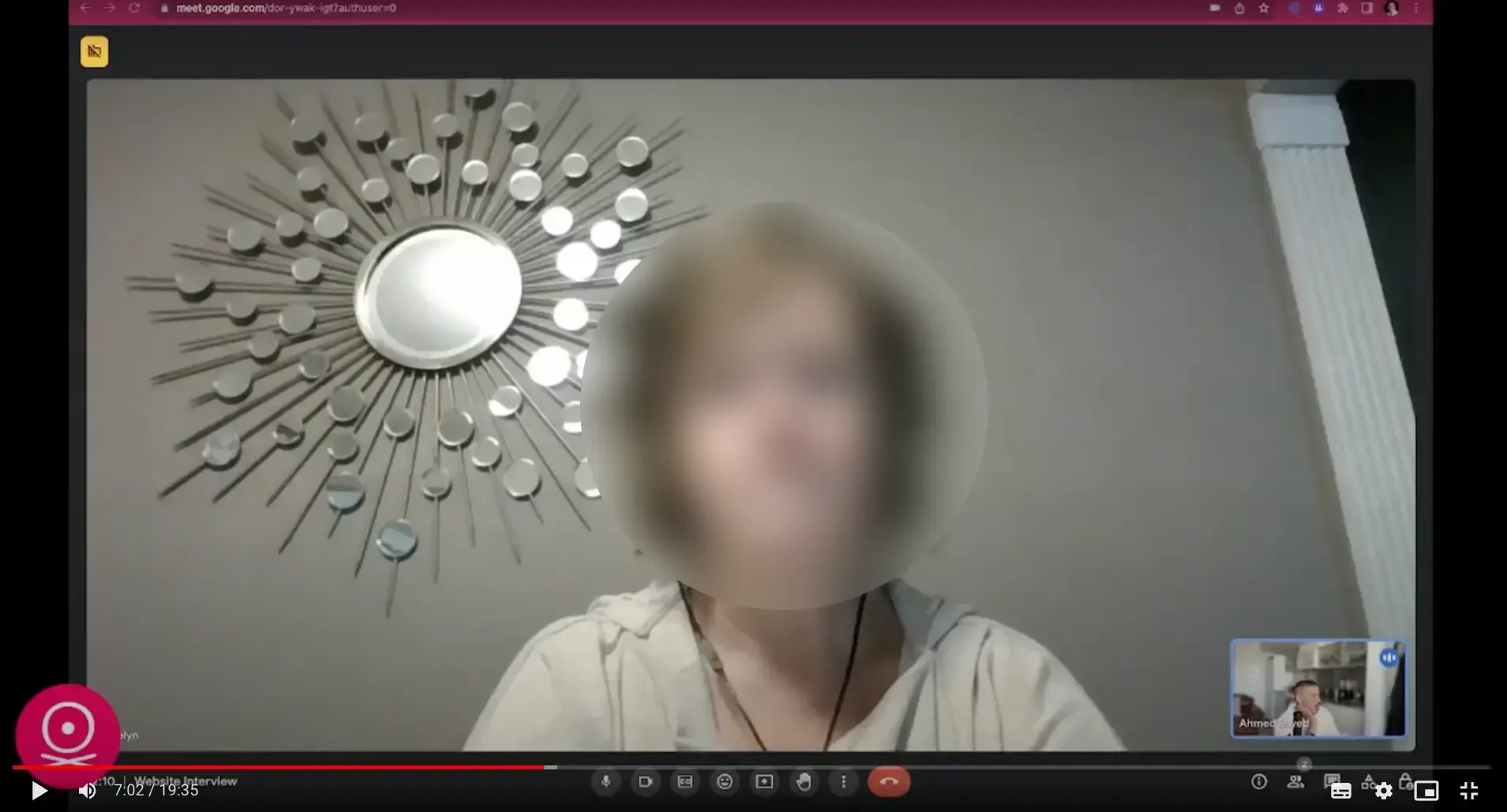
We worked with stakeholders to understand the audiences they needed to reach, the information they wanted to communicate, and the relationships between WKLIP, newcomers, community organizations and local service providers.
That helped us prioritize the site’s content and structure around the four questions people actually needed answered.
Who is WKLIP?
What does it do?
Who is it for?
Where can people get help or get involved?
That clarity became a key part of the design direction.
The design system: warm, but credible
The visual system was designed to balance two qualities that can easily conflict: warmth and credibility.
The site needed to feel approachable to people who might already be navigating an unfamiliar community, while giving partner organizations confidence in WKLIP as a legitimate coalition.
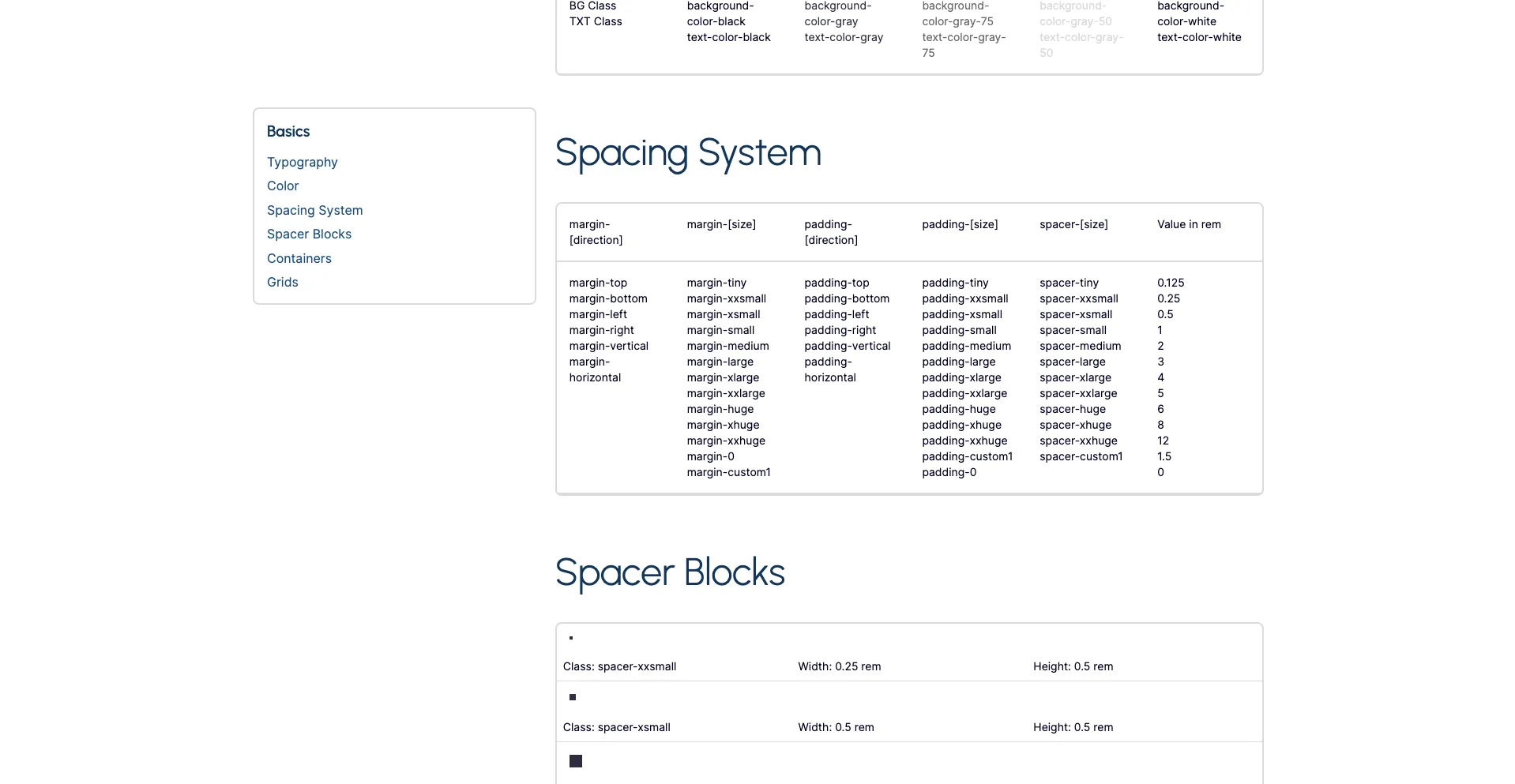
We built a flexible UI system covering typography, spacing, colour, buttons, content blocks, navigation and responsive layouts. It gave the site a consistent foundation while keeping every kind of content, from organizational information to resources and community initiatives, easy to scan and understand.
From prototype to WordPress
We designed the prototype and UI system in Webflow, using reusable components and patterns to establish the visual language before development. That also made the design-to-development handoff clear, with little ambiguity about how the system should be implemented.
For the final build we implemented a custom WordPress theme based on the approved designs, giving WKLIP a tailored site that its own team manages and updates.
The result
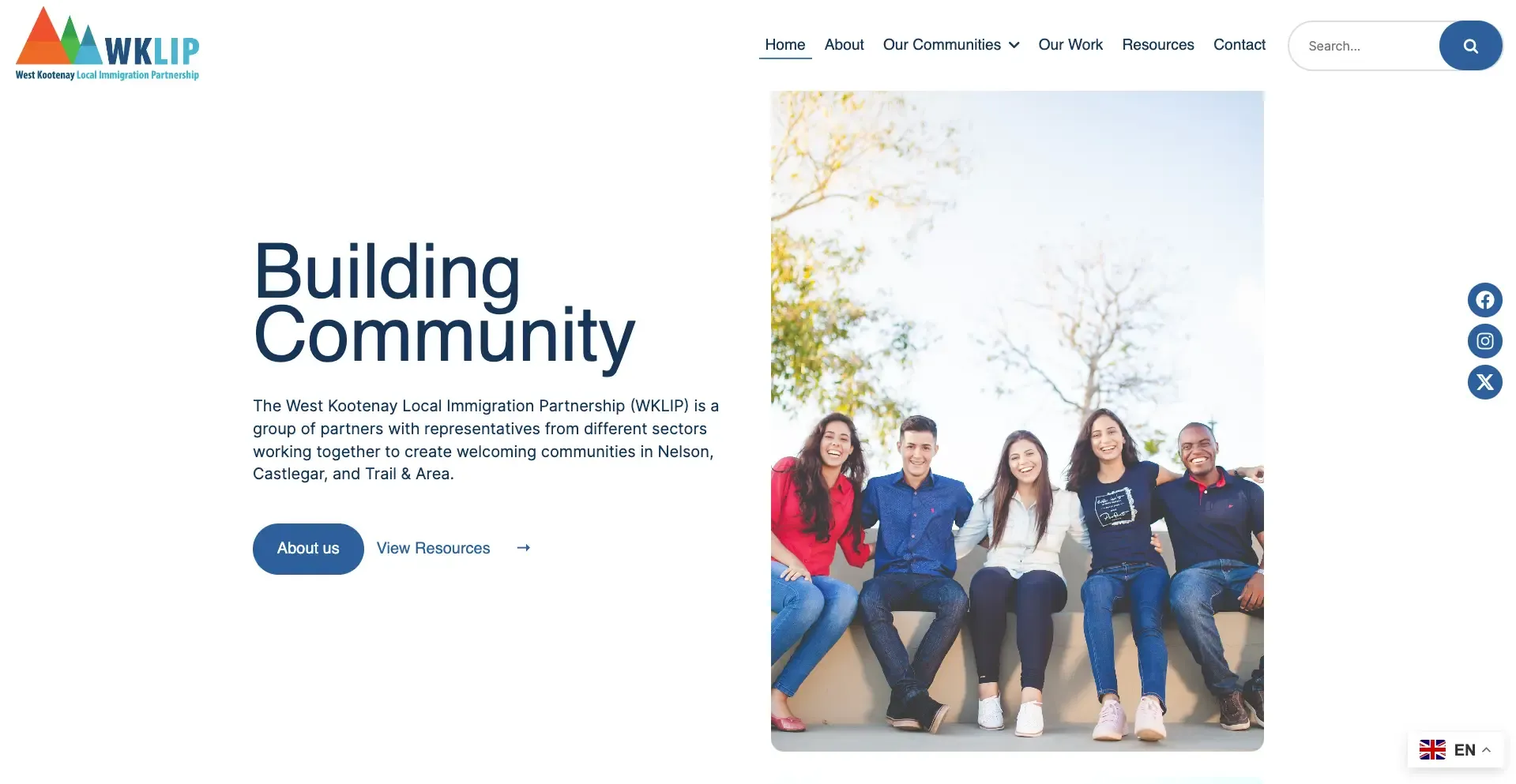
The final website gave WKLIP a professional digital foundation as it established itself in the West Kootenay region.
The organization is now easier to understand, its work easier to discover, and its digital presence more closely aligned with the welcoming communities it is working to build. Because it is built as a flexible WordPress site, it can grow alongside the organization as its programs, partnerships and community presence expand.
See it live: wklip.ca